
Searching for a Warrant in Amherst County
Virginia OCIS is the main public online starting point for selected adult court cases. It can show Amherst General District and Circuit matters, but it is not a public warrant registry and does not expose live VCIN or NCIC records. Start with the court level and case number when available. If the question concerns a possible capias or service status, ask the clerk to confirm the file rather than treating a search row as a final answer.
There is no official public Amherst Sheriff warrant list. The Sheriff business number is (434) 946-9381, while the court clerks handle their own case records. Use a written FOIA request for an existing policy or record when that is the question; FOIA does not create a status report. For a personal case, have the court name and case number ready and consider speaking with counsel before appearing.
- Open OCIS and acknowledge its disclaimer before searching.
- Choose name, case number, or hearing date; the system does not list a date-of-birth search field.
- Review the court level, case number, charge, code section, hearing date, and disposition details if shown.
- Call the Amherst Circuit, General District, or JDR clerk for the file that matches the case.
- If the clerk points to an agency record, call the Sheriff’s business line or use its FOIA contact for a public-record request.
Amherst County OCIS Has Limits
OCIS says the information comes from clerk-entered data and can be incomplete or outdated. The displayed case is not the official court record or legal notice. Results may omit a sealed matter, a juvenile case, a recent entry, or process detail that has not reached the public view. The system can help identify the correct Amherst court, but the clerk is the contact for a current hearing or order.
The OCIS landing screen carries its own disclaimer and search entry; the image links to the official OCIS start page. Read its notice before searching.
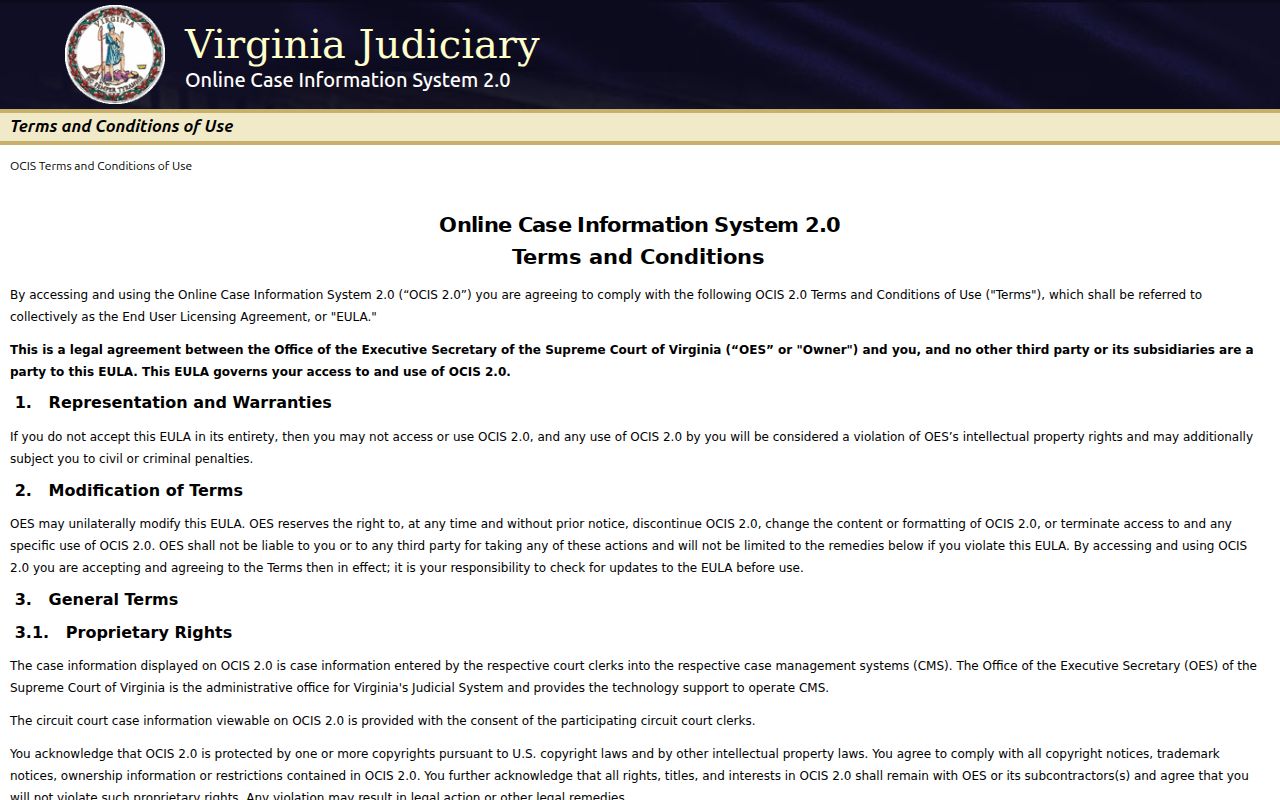
The screenshot shows the starting interface, not a warrant result. Use the court clerk to confirm any case information that affects a next step.
Warrant Search Fields Explained
OCIS offers three search modes. A person’s name can locate a record when each name part is at least two characters. A case-number query is more exact but must be run for a selected court. A hearing-date query can help when the date is known, though it does not certify warrant status. Filters are useful for narrowing the right file, not proving identity from a common name.
| Field Label | Type | Required | Notes |
|---|---|---|---|
| Name | Text | Search mode | At least two characters per name part; partial names are allowed |
| Case number | Text | Search mode | Select the court; one court per query |
| Hearing date | Date | Search mode | Enter MM/DD/YYYY; GDC offers added filters |
| Court level | Filter | No | Circuit, General District, or J&DR options |
| Court | Filter | Some modes | Use the Amherst court that holds the case |
Amherst County Name and Case Searches
OCIS examples include GT12345678-90, CR12345678-90, and JA012345-01-00. These are format examples, not Amherst warrant numbers. Case mode searches one court, so identify Circuit, GDC, or JDR first.
Partial names are accepted, though punctuation may vary. Narrow a large result by court or case number. The public search has no date-of-birth field; avoid sending extra personal identifiers unless a clerk requests them through an approved channel.
The official OCIS help page documents search modes and result details. Its instructions may change as the court system updates the interface.
The image links to the official OCIS search help, which explains the name and case-number fields.
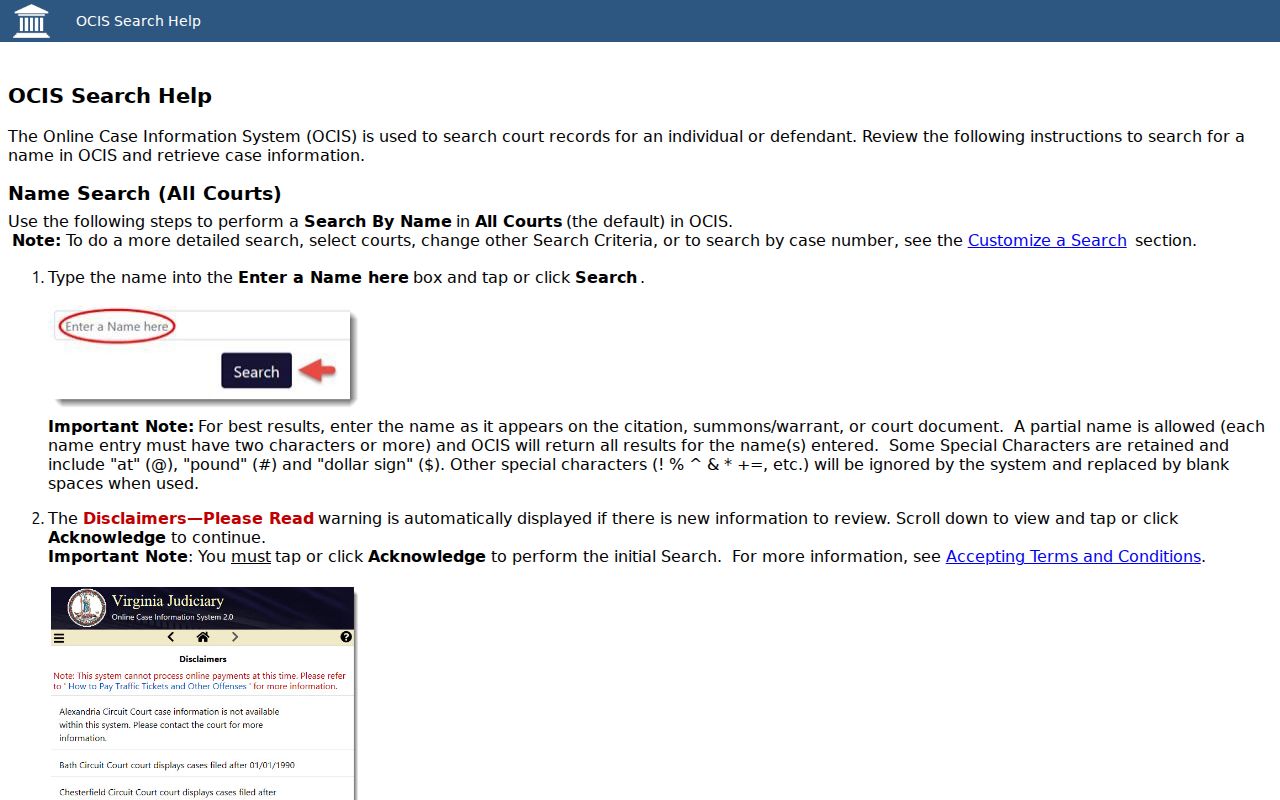
Use the number from court papers when possible; a guessed format can point to the wrong court file.
What a Warrant Search Shows
An OCIS row identifies a court case and can expose dates, charge text, and a code section. The detail view may add a disposition and service-of-process field. No public schema guarantees a current “active warrant” label. Copy the court and case number for a clerk call, then ask whether the file reflects a later hearing, service, recall, or other order.
| Case number | Identifies the court file; use it exactly as displayed. |
|---|---|
| Court | Shows the court level and Amherst location where the case appears. |
| Charge and code | Names the charge text and relevant Code Section. |
| Offense and hearing dates | Help distinguish the case timeline from a process date. |
| Disposition | May appear in Details; ask the clerk about later orders. |
| Service of process | May appear for some cases; it is not a universal warrant flag. |
Amherst County GDC Search Is Separate
Amherst General District Court also links to case information and displays a disclaimer. Its criminal and traffic matters include local ordinances, but it is not a separate municipal portal. A result in the GDC interface can help locate a case; only the clerk can explain the official file and current process. Circuit matters go to the Circuit clerk, and JDR matters have more limited public access.
The image links to the Amherst GDC search landing page. It shows a disclaimer and case-search entry, not an active-warrant list.
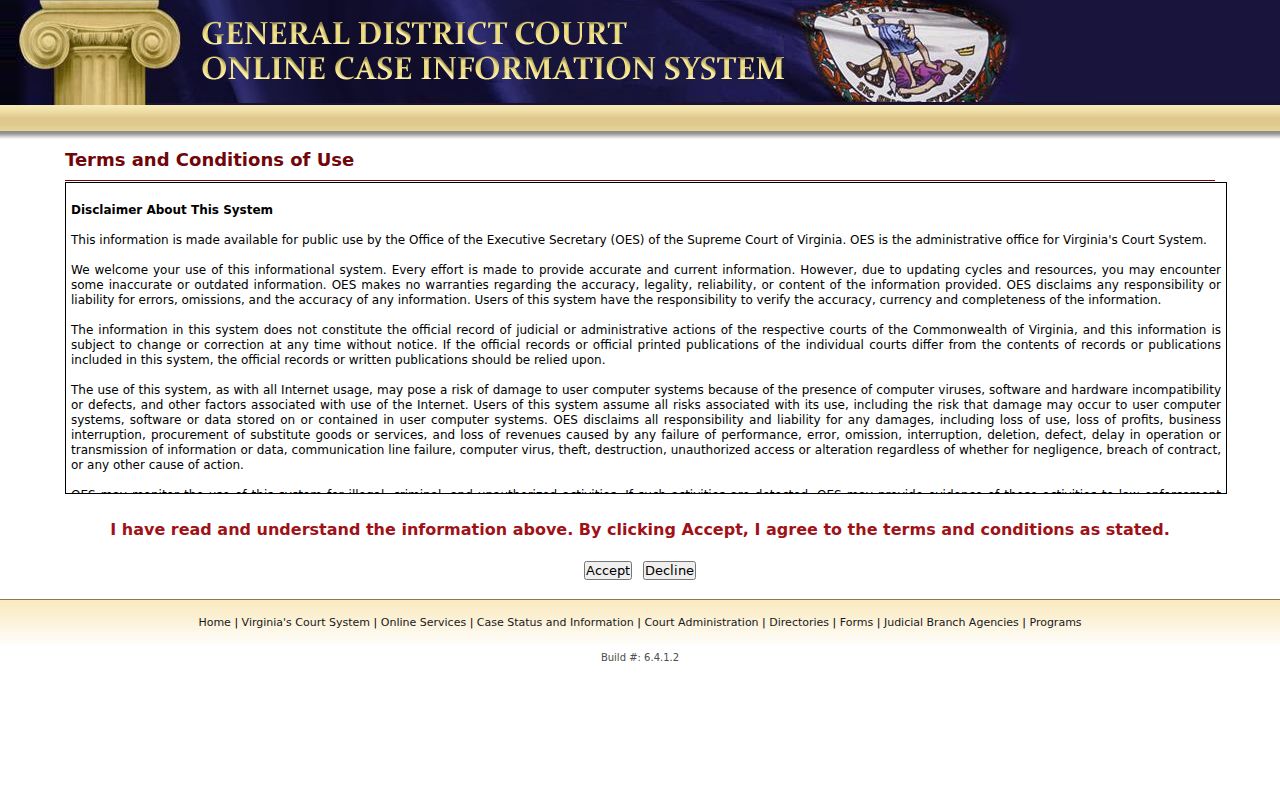
When the result concerns a local ordinance or traffic case, confirm the case with the Amherst GDC clerk before relying on an online display.
Where to Check Warrants in Amherst County
The issuing clerk controls the court case. Amherst GDC is at 113 Taylor Street and can be reached at (434) 946-9351; Circuit Court shares the address and uses (434) 946-9321; JDR uses (434) 946-9355. Call the clerk that matches the court level. The Sheriff, at 115 Taylor Street, handles agency process questions at (434) 946-9381.
Virginia’s VCIN and connected NCIC systems are restricted to law enforcement. There is no public statewide name search for those records. A full public check therefore means using OCIS for visible adult cases, then asking the correct clerk or agency about its own record. No public Amherst Sheriff roster fills that gap.
Amherst FOIA Covers Existing Records
County FOIA Officer Alexandra Doss handles county requests; Sheriff requests go to Major J.E. Begley at jebegley@amherstsheriff.org. Amherst accepts requests by mail, fax, email, phone, or in person and states a five-business-day response period, with added time possible. Actual costs may apply.
Keep the request narrow: name the agency, record type, and date range. The image links to the County FOIA page with current contacts and cost terms.
FOIA does not make an agency create a new warrant-status answer; an issuing clerk is usually the direct route for a personal case.
Restricted Warrants and Access Rules
Juvenile and domestic files may be confidential; courts can seal records or restrict a search-warrant affidavit, and investigative material may be withheld or redacted. A missing result can reflect access rules, indexing, or a different court. Ask the issuing clerk what route is allowed rather than infer status from an empty screen.
Key Rules:
Virginia Code § 19.2-392.5 describes the effect of sealing for covered records.
Virginia Code § 16.1-299 limits release of juvenile records.
Virginia Code § 2.2-3706.1 permits withholding or redaction of specified law-enforcement information.
Virginia Criminal-History Forms Differ
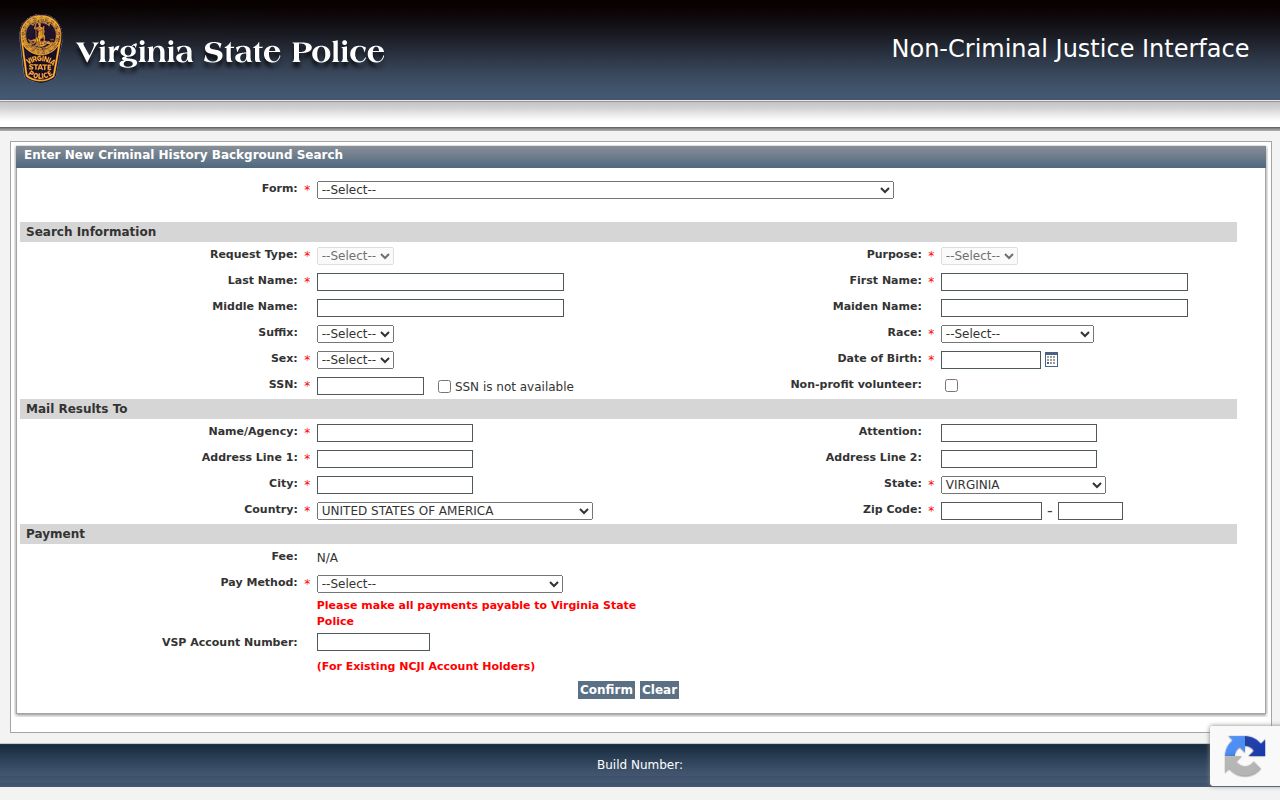
Virginia State Police offers criminal-history services through the Central Criminal Records Exchange and its CATS public portal. An SP-167 request asks for identity and payment details for a criminal-history search. That record service is not a live warrant lookup and does not replace the Amherst court file or Sheriff process record. Do not send a background-check form when the question is whether a court order is still in effect.
The image links to the Virginia State Police CATS page for the separate criminal-history request process.
For a warrant question, use OCIS and the issuing Amherst clerk; for agency service details, ask the Sheriff what it can release.